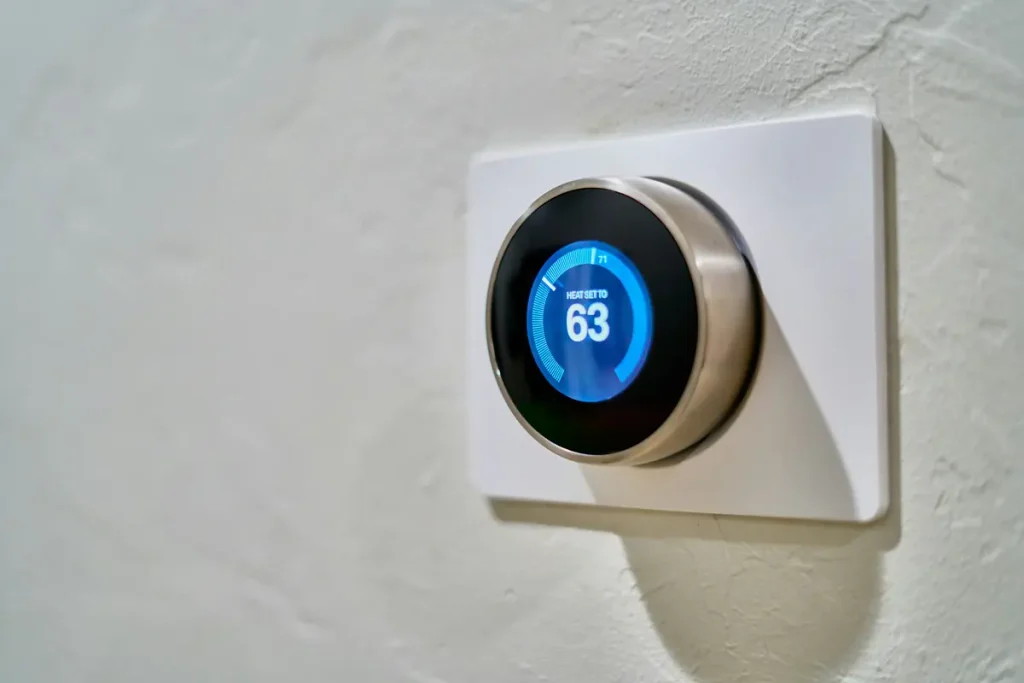
High utility bills can make summer and winter stressful. You want to feel comfortable at home. But you also do not want your air conditioner or heater running nonstop.
The good news is that small thermostat changes can help. You do not need to suffer through a hot summer or a freezing winter. A practical schedule can lower energy use while keeping your home comfortable.
This guide explains useful thermostat settings for summer and winter. You will also learn what to do when you are sleeping or away from home.
Quick answer: Try about 78°F in summer and 68°F in winter as starting points when you are home. Then adjust the temperature based on your comfort, climate, health needs, and type of HVAC system.
Best Thermostat Setting for Summer
A setting near 78°F can be a useful place to start when you are home. However, 78°F may not feel comfortable for everyone.
The U.S. Department of Energy recommends setting your thermostat as high as you can while staying comfortable. A higher indoor temperature reduces the difference between the air inside and outside your home. This gives your air conditioner less work to do.
Start by raising the temperature one degree. Give yourself a few days to adjust. If you still feel comfortable, try raising it by another degree.
A simple summer schedule
| Time | Suggested starting point |
|---|---|
| Home and awake | Around 76°F–78°F |
| Sleeping | Around 76°F–80°F |
| Away for several hours | Around 80°F–85°F |
These are starting points, not strict rules. Your best setting may be different.
Humidity, direct sunlight, insulation, and the size of your home all affect comfort. Infants, older adults, pets, and people with health conditions may need a cooler setting.
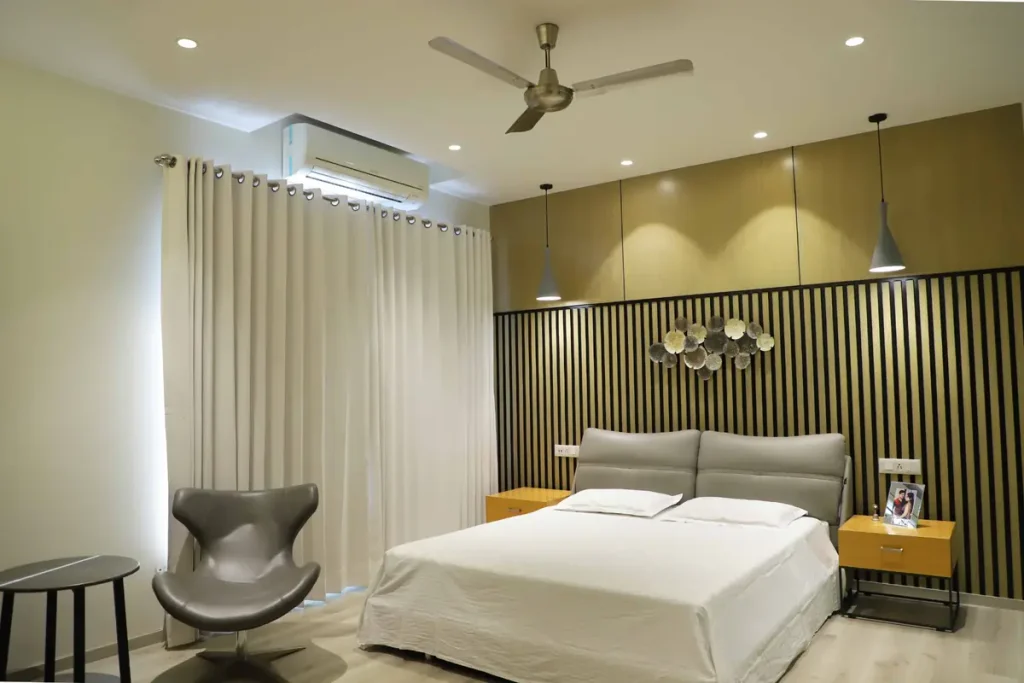
Use ceiling fans with your air conditioner
A ceiling fan can make you feel cooler without lowering the room’s temperature. This may allow you to raise the thermostat by a few degrees.
For better summer comfort:
- Run the fan counterclockwise.
- Use a medium or high speed when needed.
- Turn the fan off when you leave the room.
- Raise the thermostat only if the fan keeps you comfortable.
- Keep interior doors open when it helps air move between rooms.
Fans cool people, not empty rooms. Leaving a fan on in an empty room usually wastes electricity. ENERGY STAR recommends counterclockwise rotation during summer and turning fans off in empty rooms. ENERGY STAR explains how to use ceiling fans.
Block afternoon heat
Sunlight can quickly warm a room. This is especially common near west-facing windows.
Try these simple steps:
- Close blinds or curtains during hot afternoons.
- Use blackout or insulated curtains in hot rooms.
- Open windows during cool mornings only when outdoor conditions are suitable.
- Keep windows and exterior doors closed while the AC is running.
- Cook outside or use smaller appliances on very hot days when practical.
These changes can reduce the amount of heat that enters your home. Your air conditioner may run less often as a result.
Best Thermostat Setting for Winter
A thermostat setting near 68°F is a practical starting point when you are home and awake. If that feels too cold, raise it slightly. If you are comfortable at a lower temperature, you may be able to save more energy.
During winter, a lower indoor temperature reduces heat loss. That means your heating system does not have to run as often.
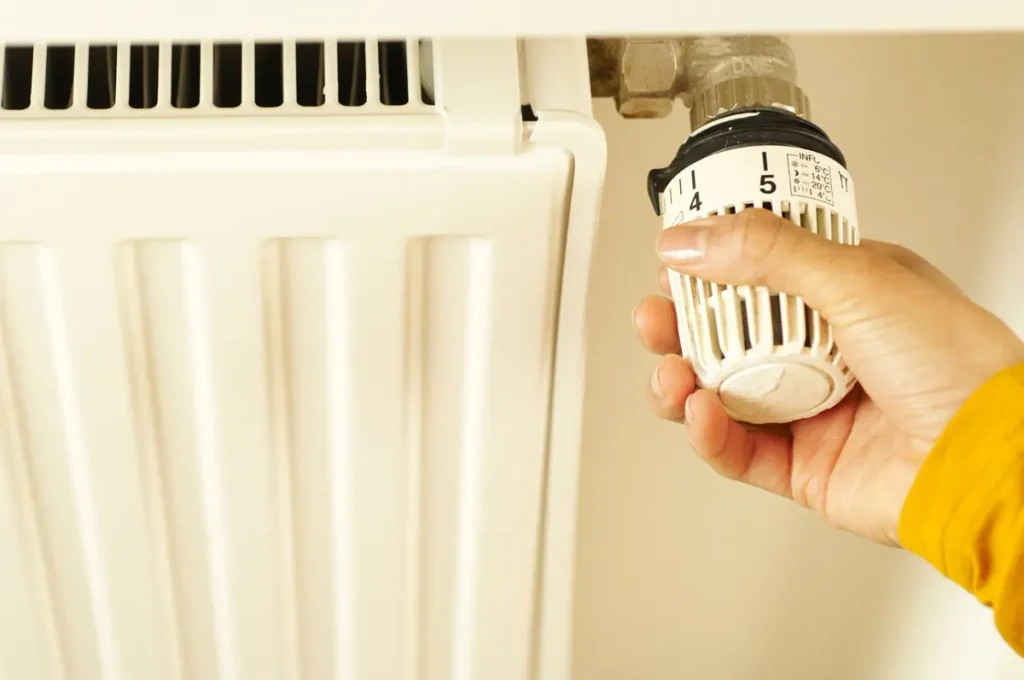
A simple winter schedule
| Time | Suggested starting point |
|---|---|
| Home and awake | Around 68°F–70°F |
| Sleeping | Around 60°F–67°F |
| Away for several hours | Around 60°F–65°F |
Do not treat these numbers as medical or safety rules. Choose a safe temperature for everyone in your household.
Babies, older adults, pets, and people with certain health conditions may need a warmer home. Protect plumbing during freezing weather as well.
Stay warm without turning up the heat
You may be able to stay comfortable at a slightly lower setting by making a few small changes:
- Wear a sweater, warm socks, or another light layer.
- Use blankets while sitting or sleeping.
- Open curtains on sunny windows during the day.
- Close curtains after sunset.
- Move furniture away from heating vents.
- Check windows and doors for cold drafts.
- Use rugs on cold floors when helpful.
Do not block supply vents or return-air grilles. Blocked airflow can make some rooms uncomfortable and may reduce system performance.
Control winter humidity
Very dry air can make a room feel colder. It may also cause dry skin, irritated eyes, and static electricity.
A humidifier may help in a dry home. However, too much moisture can cause condensation or mold.
Use a hygrometer to check indoor humidity. Follow the humidifier manufacturer’s instructions. If you see water collecting on windows, lower the humidity level.
Test the Best Thermostat Settings for Your Home
Recommended temperatures are useful starting points. However, every home is different. Insulation, humidity, sunlight, HVAC equipment, and household needs can all affect comfort and energy use.
A simple one-week test can help you find a comfortable setting for your home. During the first three days, keep your usual thermostat setting. For the next four days, adjust it by only 1°F.
- In summer, raise the cooling setting by 1°F.
- In winter, lower the heating setting by 1°F.
Do not make a large change just to complete the test. Comfort and safety are more important than a small amount of energy savings.
How the One-Week Thermostat Test Works
Days 1–3: Record your normal routine
Keep your usual thermostat setting. Avoid making other major energy-saving changes during these three days.
Days 4–7: Make a 1°F adjustment
Raise the temperature by 1°F during summer or lower it by 1°F during winter. Otherwise, try to follow the same household routine.
Record the information below at about the same time each day.
| Day | Thermostat Setting | HVAC Runtime | Electricity Use | Outdoor High/Low | Comfort Score |
|---|---|---|---|---|---|
| Day 1 | |||||
| Day 2 | |||||
| Day 3 | |||||
| Day 4 | |||||
| Day 5 | |||||
| Day 6 | |||||
| Day 7 |
Use a comfort score from 1 to 5:
- 1: Very uncomfortable
- 2: Uncomfortable
- 3: Acceptable
- 4: Comfortable
- 5: Very comfortable
Your thermostat or utility account may show daily HVAC runtime or electricity use. If that information is not available, record only the figures you can access. You do not need to buy another device for this test.
Compare the Results
Because the two test periods contain a different number of days, compare daily averages instead of total use.
For the first three days:
Total electricity used during Days 1–3 ÷ 3 = baseline daily average
For the next four days:
Total electricity used during Days 4–7 ÷ 4 = adjusted daily average
Here is a sample calculation:
- Days 1–3: 96 kWh ÷ 3 = 32 kWh per day
- Days 4–7: 116 kWh ÷ 4 = 29 kWh per day
In this example, average daily electricity use fell by 3 kWh after the thermostat adjustment.
To estimate the percentage change:
(Baseline daily use − adjusted daily use) ÷ baseline daily use × 100
Using the example above:
(32 − 29) ÷ 32 × 100 = about 9.4% less electricity used
These are sample figures only. A lower daily average does not prove that the thermostat change caused the full difference.
Consider the Weather
Outdoor temperature can have a major effect on HVAC use. Therefore, record each day’s high and low temperatures.
For example, a cooler test period during summer may reduce air-conditioning use even without a thermostat change. A colder period during winter may increase heating use despite the new setting.
If the weather changed sharply during the week, repeat the test when conditions are more similar. You can also compare several weeks instead of relying on one short test.
Decide Whether the New Setting Works
At the end of the week, ask these questions:
- Did average daily electricity use go down?
- Did HVAC runtime decrease?
- Was the weather similar during both periods?
- Did the home remain comfortable?
- Did anyone sleep poorly or feel too hot or cold?
- Would the new setting be easy to maintain?
A setting that saves a little energy but makes the household uncomfortable may not be worth keeping. Instead, try a different schedule or return to the original temperature.
Important Safety Note
Do not use this test to push indoor temperatures beyond a safe or comfortable level. Infants, older adults, people with medical conditions, and pets may need a narrower temperature range.
During extreme heat or cold, follow local safety guidance. Never turn off heating when doing so could freeze pipes. In humid climates, turning off the air conditioner may also allow indoor moisture to rise.
If your home uses a heat pump, avoid large winter temperature setbacks unless the manufacturer or a qualified HVAC professional recommends them. A large change may cause some systems to use more expensive auxiliary heat.
When in doubt, keep a safe setting and speak with a qualified professional. Energy savings should never come before health and safety.
What Should You Set the Thermostat to While Away?
You usually do not need to keep your home at the same temperature when no one is there.
For a standard heating or cooling system, adjust the thermostat while you are away for several hours:
- Set it higher during summer.
- Set it lower during winter.
- Return it to a comfortable setting before you come home.
- Use a schedule so you do not need to remember every day.
The Department of Energy says that changing the temperature by 7°F to 10°F for eight hours a day may save up to 10% a year on heating and cooling. Actual savings depend on your home, climate, equipment, rates, and schedule. See the Department of Energy’s guidance.
Should you turn the system off completely?
Usually, a moderate temperature change is better than turning the system off for a long period.
Turning it off may create other problems:
- A home can become dangerously hot in summer.
- Indoor humidity may rise.
- Pipes may freeze in winter.
- Pets and plants may be put at risk.
- The home may take a long time to become comfortable again.
Choose a safe away setting. Do not make an extreme change just to save a small amount of money.
A note for heat-pump owners
Large winter temperature setbacks may not work well with every heat pump. A big increase in temperature can cause some systems to use expensive backup heat.
If you have a heat pump:
- Use smaller temperature changes.
- Use a thermostat designed for heat pumps.
- Review your equipment manual.
- Ask a qualified HVAC professional if you are unsure.
Best Thermostat Setting for Sleep
Many people prefer a cooler bedroom. A lower winter setting may also reduce heating use at night.
In summer, however, lowering the thermostat at bedtime may increase electricity use. Try using a ceiling fan, light bedding, or breathable sheets before making a large temperature change.
Summer sleep tips
- Use a ceiling fan while the room is occupied.
- Choose light, breathable bedding.
- Close blinds during the afternoon.
- Avoid running heat-producing appliances near bedtime.
- Use the highest setting that still allows you to sleep well.
Winter sleep tips
- Lower the thermostat by a few degrees.
- Use warm bedding.
- Close curtains after sunset.
- Keep vents clear.
- Use a programmed schedule to warm the home before you get up.
Good sleep matters. Do not choose a setting that regularly keeps you awake just to save energy.
Programmable vs. Smart Thermostats
Both programmable and smart thermostats can reduce wasted energy. The best choice depends on your schedule and budget.
Programmable thermostats
A programmable thermostat follows a schedule that you create. It can change the temperature automatically when you leave, return, go to sleep, or wake up.
It may be a good choice if:
- Your daily routine is predictable.
- You want a lower-cost option.
- You do not need phone controls.
- You are willing to set up the schedule yourself.
Smart thermostats
Smart thermostats connect to Wi-Fi and often include more tools. Popular options include Nest and Ecobee, but brand names alone do not guarantee savings.
Depending on the model, smart features may include:
- Phone controls
- Weekly schedules
- Energy-use reports
- Geofencing
- Occupancy detection
- Weather-based adjustments
- Maintenance reminders
Geofencing uses your phone’s location to tell when you leave or return. This can be helpful if your schedule changes often.
Before buying a smart thermostat, check:
- HVAC compatibility
- Wiring requirements
- Heat-pump support
- App and account requirements
- Utility rebates
- Installation instructions
A smart thermostat saves energy only when its settings reduce unnecessary heating or cooling.
Bonus Ways to Lower Heating and Cooling Costs
Your thermostat is only one part of the system. These quick steps may also help.
Replace or clean the air filter
A dirty filter can restrict airflow. This may make your HVAC system work harder.
Check the filter regularly. Replace or clean it according to the equipment manufacturer’s instructions. Homes with pets, dust, or heavy HVAC use may need more frequent checks.
Seal air leaks
Small gaps can allow heated or cooled air to escape.
Check these areas:
- Exterior doors
- Window frames
- Attic access points
- Openings around pipes
- Openings around wiring
- Door bottoms
Use weatherstripping around movable parts. Use caulk for stationary cracks when appropriate. Renters should ask the property owner before making permanent changes.
Use curtains wisely
Curtains and blinds can help control heat from windows.
During summer:
- Close coverings on sunny windows.
- Block strong afternoon sunlight.
- Open them when outdoor temperatures are cooler, if helpful.
During winter:
- Open curtains on sunny days.
- Close them after sunset.
- Use insulated curtains in drafty rooms.
Keep outdoor equipment clear
Remove leaves, grass, and other debris from around an outdoor AC or heat-pump unit. Do not open the equipment or attempt electrical repairs yourself.
Contact a qualified technician if the system:
- Runs almost nonstop
- Makes unusual sounds
- Produces weak airflow
- Heats or cools rooms unevenly
- Causes a sudden increase in energy use
Common Thermostat Mistakes
Even a good thermostat cannot help if it is used poorly. Avoid these common mistakes.
Setting an extreme temperature
Setting the thermostat to 60°F will not cool most homes faster than setting it to 75°F. It may simply make the system run longer.
Choose the temperature you actually want.
Changing the setting too often
Frequent manual changes can cancel your schedule. Pick a routine and test it for at least several days.
Placing heat near the thermostat
Lamps, televisions, direct sunlight, and cooking heat can affect the thermostat’s reading. Keep heat-producing items away from it when possible.
Leaving windows open
Open windows allow outdoor air into the home. Keep windows and exterior doors closed while heating or cooling is running.
Ignoring maintenance
A clogged filter or damaged HVAC system can waste energy even when the thermostat is set correctly.
Quick Summary
| Season or situation | Practical starting point | What else to do |
|---|---|---|
| Summer while home | 76°F–78°F | Use fans and block afternoon sun |
| Summer while away | 80°F–85°F | Use a programmed schedule |
| Winter while home | 68°F–70°F | Wear layers and stop drafts |
| Winter while away | 60°F–65°F | Protect pipes and pets |
| Summer sleep | 76°F–80°F | Use light bedding and a fan |
| Winter sleep | 60°F–67°F | Use warm bedding |
| Away for eight hours | Change by 7°F–10°F when appropriate | Avoid extreme or unsafe settings |
These ranges are starting points. Your ideal temperature may be different.
Frequently Asked Questions
Is 78°F too hot for a house?
It depends on the household. Some people are comfortable at 78°F, especially when using a ceiling fan. Others need a lower setting because of humidity, health needs, pets, or personal comfort.
Start with a temperature that feels safe. Raise it one degree at a time if you want to test a warmer setting.
Is 68°F the best winter thermostat setting?
It is a useful starting point for many homes. It is not a rule for every household. Choose a safe setting that works for the people and pets in your home.
Does turning the thermostat down save money?
It can save energy during winter if the lower setting reduces how long your heating system runs. In summer, raising the setting can reduce air-conditioning use.
Your actual savings will depend on your equipment, climate, home, utility rates, and schedule.
Is it cheaper to leave the AC at one temperature all day?
Usually, maintaining a low temperature in an empty home uses more energy than allowing the temperature to rise moderately while you are away.
Use a safe setting and return the home to your preferred temperature before you arrive.
Should I turn off my thermostat when I leave?
A safe temperature setback is usually better than completely turning off heating or cooling. Extreme indoor temperatures can create safety, humidity, plumbing, and comfort problems.
Is a smart thermostat worth buying?
It may be worthwhile if it helps you follow an energy-saving schedule. Before buying one, check compatibility and look for utility rebates.
A smart thermostat does not guarantee lower bills. The settings and schedule still matter.
Final Thoughts
There is no perfect thermostat setting for every American home. Climate, humidity, insulation, equipment, health needs, and personal comfort all matter.
Start with a simple plan:
- Try about 78°F during summer and 68°F during winter.
- Adjust the setting by one degree at a time.
- Use a smaller setting change while sleeping or away.
- Use fans, curtains, and weatherstripping to improve comfort.
- Compare your electricity or gas use with the same month last year.
Small changes can make a real difference. The goal is not to feel miserable. The goal is to avoid heating or cooling an empty home more than necessary.
What temperature works best in your home during summer and winter? Share it in the comments.