Energy-wasting appliances can raise your electric bill without any clear warning. This guide shows you how to find them, measure their electricity use, and decide what to do next.
The Short Answer
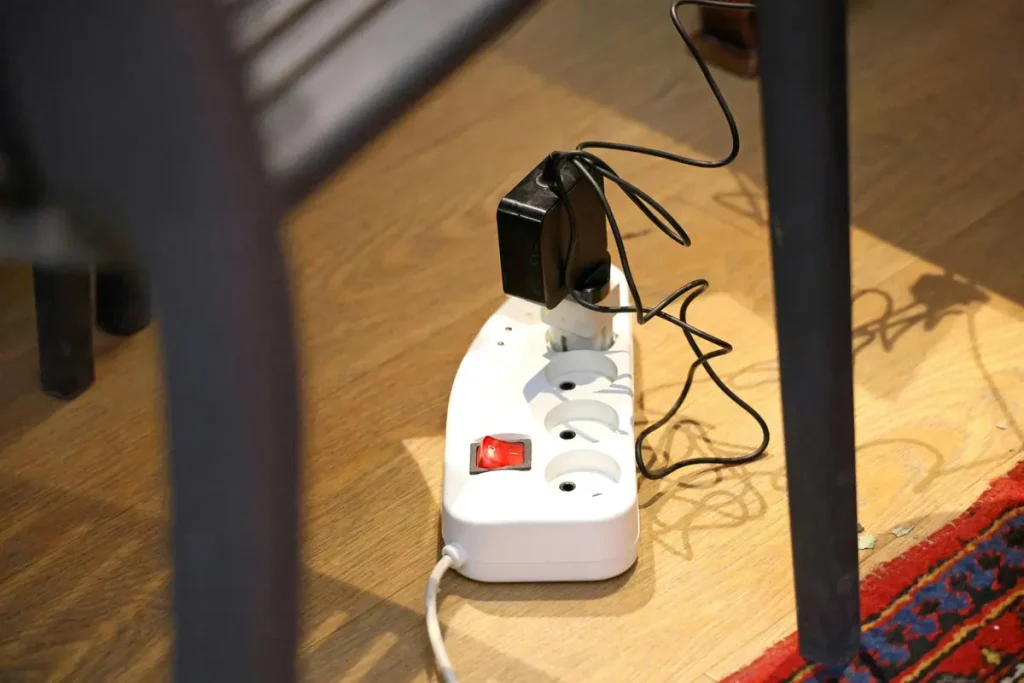
To find energy-wasting appliances, start with your electric bill and online utility account. Look for a rise in kilowatt-hours, not just a higher dollar total. Next, test 120-volt plug-in devices with an electricity monitor. Check always-on equipment, older refrigerators, space heaters, dehumidifiers, and entertainment systems first.
Some large appliances cannot be tested with a plug-in monitor. These include central AC systems, dryers, ranges, and electric water heaters. Instead, review your utility data or ask a qualified professional for help. Do not open an electrical panel or handle exposed wiring yourself.
Before Blaming Energy-Wasting Appliances, Check Your Bill
A larger bill does not always mean an appliance is wasting electricity. Your utility rate may have changed. Your billing period may also contain more days. In addition, extreme weather can make heating or cooling systems run longer.
Compare these items with a previous bill:
- Total electricity use in kilowatt-hours, shown as kWh
- Number of days in the billing cycle
- Average kWh used per day
- Price per kWh
- Fixed fees, taxes, and other charges
- Outdoor temperatures during the billing period
For example, your bill may rise even when your daily use stays the same. That can happen after a rate increase. On the other hand, a sharp increase in average daily kWh suggests that something in your home changed.
If your utility provides hourly or 15-minute usage data, check it online. A steady load during the night can point to equipment that never shuts off. A repeated spike at the same time each day may match an appliance schedule.
Understand Watts, Kilowatt-Hours, and Operating Cost
First, watts show how much power a device draws at one moment. Kilowatt-hours show how much energy it uses over time. Your utility charges you mainly for kilowatt-hours, although some rate plans also include demand or time-of-use charges.
Use this simple formula:
Watts ÷ 1,000 × hours used = kilowatt-hours
Then estimate the cost:
Kilowatt-hours × your electricity rate = operating cost
Suppose a 1,500-watt space heater runs for four hours:
1,500 ÷ 1,000 × 4 = 6 kWh
If your rate is $0.18 per kWh, that four-hour session costs about $1.08. Used every day, the same heater would cost about $32.40 over 30 days.
However, the wattage printed on a label is not always the device’s average use. Refrigerators, air conditioners, and other cycling appliances turn on and off. Therefore, measuring them over several days gives a better estimate.
Try the Appliance Cost Test
Use your own appliance, operating time, and electricity rate to estimate the cost. Record the numbers below before deciding whether an appliance is expensive to operate.
| Item | Your Number |
|---|---|
| Appliance name | |
| Rated watts | |
| Hours used per day | |
| Days used per month | |
| Electricity rate per kWh | |
| Estimated daily cost | |
| Estimated monthly cost | |
| Estimated yearly cost |
Use these formulas:
Watts ÷ 1,000 × hours used per day × electricity rate = estimated daily cost
Estimated daily cost × days used per month = estimated monthly cost
Estimated monthly cost × 12 = estimated yearly cost
Example calculation: These formulas produce estimates based on the numbers entered. Actual costs may vary because some appliances cycle on and off, change power levels, or operate differently with weather and household use.
If the estimated cost seems unusually high, confirm the result with a plug-in electricity monitor when it is safe to do so. Measure refrigerators, freezers, dehumidifiers, and other cycling appliances for several days. A longer test gives a more useful average.
Do not replace an appliance based on one estimate. First, check its settings, filters, seals, ventilation, operating schedule, and repair needs. Then compare the measured yearly cost with the cost of repair or replacement.
How to Find Energy-Wasting Appliances
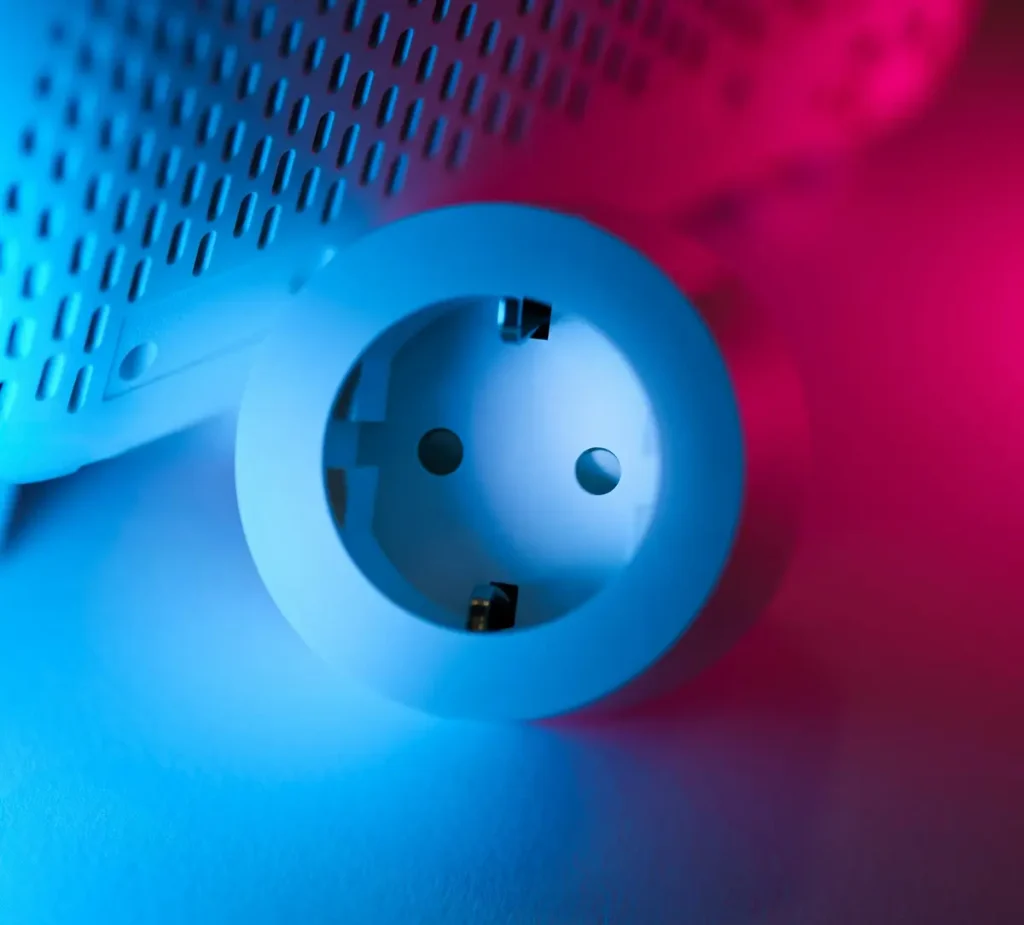
A plug-in electricity monitor is one of the easiest ways to test energy-wasting appliances that use a standard wall outlet. It sits between a wall outlet and an appliance. The display usually shows watts, kWh, operating time, and estimated cost.
Use it this way:
- Plug the monitor directly into a properly grounded wall outlet.
- Plug the appliance into the monitor.
- Enter your utility rate if the monitor supports cost calculations.
- Leave the device connected long enough to capture normal use.
- Record the total kWh and the number of test days.
For example, test lamps and electronics for at least 24 hours. Test a refrigerator, freezer, dehumidifier, or window air conditioner for three to seven days. Their use changes as they cycle and as room conditions change.
Important limitations
Most consumer plug-in monitors are designed for standard 120-volt outlets. They are not suitable for central air conditioners, electric ranges, clothes dryers, electric water heaters, or other 240-volt and hardwired equipment.
Also, never use a monitor with a device that exceeds the monitor’s rated load. Check both labels first. Avoid questionable adapters and overloaded power strips.
Start With Energy-Wasting Appliances That Run for Long Periods
Do not test devices in order of physical size. Test them based on power draw and operating time. An appliance can waste energy because it draws a lot of power, runs too long, or does both.
Good first candidates include:
- A second refrigerator or freezer in a garage
- A dehumidifier that runs most of the day
- A portable space heater
- A window or portable air conditioner
- An older mini-fridge or wine cooler
- An aquarium heater or heat lamp
- A heated mattress pad or towel warmer
- A large entertainment or gaming setup
- A home-office system that stays on overnight
- Pool, spa, or recirculation pumps
The “hidden” appliance is often outside the main living area. Check garages, basements, workshops, guest rooms, and outdoor spaces. Families sometimes forget about equipment in these areas because they rarely see it operating.
Find Energy-Wasting Appliances in Overnight Data
Your home continues to use electricity while everyone sleeps. Refrigeration, internet equipment, security devices, HVAC systems, water heaters, and medical equipment may need to remain on. Still, an unusually high overnight baseline can reveal waste.
Because energy-wasting appliances often run when no one is watching, your overnight energy use can reveal useful clues.
Use your utility’s hourly chart if available. Pick a mild night when heating and cooling demand should be low. Then look at the lowest, steadiest period between late night and early morning.
Next, make a list of equipment that was operating. Include refrigerators, freezers, pumps, chargers, DVRs, computers, and smart-home hubs. Do not disconnect medical devices, security systems, sump pumps, refrigerators, internet hardware, or anything else that requires continuous power.
If the overnight load seems high, test noncritical plug-in devices one group at a time. For instance, switch off an entertainment power strip for one night. Then compare the same hours. This approach is slower than flipping random breakers, but it is safer and easier to interpret.
Look for Appliances That Run Longer Than They Should
However, high wattage is only part of the story. A faulty appliance may waste energy because it has trouble finishing its normal cycle.
Watch for these signs:
- A refrigerator compressor seems to run almost constantly
- A freezer develops heavy frost
- A clothes dryer needs two cycles for a normal load
- A dishwasher repeats or extends cycles
- A dehumidifier never reaches its set humidity
- A heat pump or air conditioner turns on and off very often
- A water pump starts when no water is being used
- A device feels unusually hot or makes a new sound
- A motor hums, vibrates, or struggles to start
First, check simple causes. Clean accessible filters and vents. Make sure refrigerator door seals close fully. Clean the dryer lint filter after every load and inspect the vent path. In addition, keep airflow openings clear.
If unusual operation continues, stop guessing. A worn motor, failed sensor, refrigerant problem, leaking duct, or damaged heating element may require professional diagnosis. Turn off and unplug a device if you notice smoke, sparks, a burning smell, melted plastic, or a damaged cord.
Compare Energy-Wasting Appliances With EnergyGuide Estimates
Many major appliances sold in the United States carry a yellow EnergyGuide label. It shows estimated yearly energy use and lets you compare the model with similar products. The Federal Trade Commission notes that the estimated annual cost is based on typical use and a national average energy price. Your actual cost may be different.
Some energy-wasting appliances may use far more electricity than their EnergyGuide estimate suggests.
If you still have the label, compare its estimated annual kWh with your measured result. You may also find the label or product data on the manufacturer’s website.
Use this comparison carefully:
- Adjust for your local electricity rate.
- Account for seasonal conditions.
- Compare a full week, not one unusual day.
- Consider how often your household uses the appliance.
- Confirm that you are comparing the exact model number.
A higher measured result does not prove that an appliance is defective. A garage refrigerator in hot weather will work harder than the same model in a cool kitchen. However, a large and persistent gap is worth investigating.
Do Not Blame Standby Power for Everything
Televisions, game consoles, printers, speakers, and chargers may draw power while idle. Reducing this standby use is sensible, especially when many devices remain connected all day.
However, unplugging one small charger will rarely fix a very high bill. Heating, cooling, water heating, and other large loads often matter more. The U.S. Energy Information Administration reports that air conditioning, space heating, and water heating are among the largest uses of electricity in American homes.
Instead, focus on groups of optional devices:
- Entertainment centers
- Gaming equipment
- Home-office equipment
- Guest-room electronics
- Workshop chargers and tools
A switched or advanced power strip can make these groups easier to control. Still, leave equipment connected when it needs updates, recordings, network access, security monitoring, or continuous operation.
Use a Controlled Test—Without Creating a Safety Problem
You can learn a great deal by changing one variable at a time. Choose a normal day, record your starting meter or utility-app reading, and change one nonessential load. Then compare the same period on another day with similar weather.
For example:
- Turn off a garage refrigerator for a short, safe test after moving the food.
- Stop using a portable heater for one evening.
- Disable a pool pump’s extra cycle.
- Shut down gaming and office equipment overnight.
- Test a dehumidifier at a slightly higher humidity setting.
Do not use this method for medical equipment, sump pumps, smoke or carbon-monoxide alarms, refrigeration holding food, or safety systems. Also, do not open the electrical panel or remove its cover. Whole-home monitors that use current sensors may require installation by a qualified electrician.
Know When the Appliance Is Not the Real Cause
Sometimes an appliance is working normally, but the home makes it work too hard. This distinction can prevent an unnecessary replacement.
Examples include:
- Air leaks that make the HVAC system run longer
- Poor insulation around the attic or walls
- A dryer vent restricted by lint or crushed ductwork
- A refrigerator placed beside an oven or in a hot garage
- A water heater losing heat through uninsulated pipes
- A dehumidifier used while outdoor air leaks into the basement
- A pool pump schedule that runs longer than needed
Therefore, look at the whole system. Replacing an appliance may not solve the problem if the same poor conditions remain.
Decide Whether to Repair, Replace, or Change Your Habits
After you identify a high-use appliance, calculate its yearly cost. Then compare three options:
- Change how you use it. Shorter schedules, lower heat settings, full loads, and sleep modes may cost nothing.
- Repair or maintain it. A new seal, clean vent, filter, sensor, or professional tune-up may restore normal operation.
- Replace it. This may make sense when the appliance is old, unreliable, expensive to repair, and far less efficient than current models.
Do not replace an appliance just because it is old. First, check its yearly energy cost. Then compare the cost of repair with the price of a new model. Also consider how many more years the appliance may last. When shopping, use the EnergyGuide label to compare similar models. An ENERGY STAR-certified model meets efficiency specifications set by the U.S. Environmental Protection Agency.
Also check your utility’s rebate page before buying. Some utilities offer rebates for efficient appliances, heat pumps, water heaters, smart thermostats, or recycling old refrigerators.
Energy-Wasting Appliances Checklist
Use the following checklist to identify energy-wasting appliances without replacing equipment that still works well.
- Compare daily kWh with older bills.
- Check rates, fees, billing days, and weather.
- Review hourly utility data, if available.
- List equipment that runs overnight or for long periods.
- Test suitable 120-volt devices with a plug-in monitor.
- Check filters, seals, vents, settings, and schedules.
- Calculate monthly and annual operating costs.
- Compare results with EnergyGuide information.
- Change one habit or setting at a time.
- Call a professional for 240-volt, hardwired, unsafe, or faulty equipment.
Not sure whether one appliance or your whole home is causing the increase? Read Why Is My Electric Bill So High? 12 Common Causes and How to Fix Them. You can also start with How to Lower Your Electric Bill: 10 Easy Ways to Save.
Quick Summary
| What to check | What it may reveal | Best next step |
|---|---|---|
| Daily kWh on your bill | A real change in household use | Compare with the same season last year |
| Hourly utility data | Overnight loads or repeating spikes | Match spikes to appliance schedules |
| Plug-in electricity monitor | Actual use of a 120-volt device | Test for several days when needed |
| Long run times | Dirty, blocked, poorly set, or failing equipment | Clean, adjust, maintain, or get service |
| EnergyGuide label | Expected use for a major appliance | Compare the exact model and local rate |
| Standby loads | Groups of idle electronics using power | Use sleep settings or switched power strips |
| Home conditions | An appliance working harder than necessary | Fix airflow, heat, moisture, or air leaks |
| 240-volt or hardwired equipment | A potentially large but difficult-to-measure load | Use utility data or a qualified professional |
Frequently Asked Questions
Which appliances usually use the most electricity?
The answer depends on your climate and equipment. In many U.S. homes, air conditioning, electric space heating, and water heating are among the largest uses. Clothes dryers, refrigerators, freezers, pool pumps, and portable heaters may also be important.
Can one bad appliance suddenly raise my electric bill?
Yes. A failing part or poor setting can make equipment run longer than normal. However, weather, rate changes, and a longer billing cycle can also raise the total. Compare daily kWh before blaming one appliance.
How long should I test an appliance?
Test simple electronics for at least 24 hours. Test cycling appliances, such as refrigerators and dehumidifiers, for three to seven days. A longer test gives a more useful average.
Can I test a dryer or central air conditioner with a plug-in monitor?
Usually not. Most consumer plug-in monitors are intended for standard 120-volt outlets. Dryers, central air conditioners, electric water heaters, and ranges often use 240 volts or permanent wiring. Ask your utility or a qualified professional about safe measurement options.
Should I unplug every appliance when it is not in use?
No. Focus on optional groups of electronics and devices with meaningful standby use. Keep refrigerators, medical equipment, security systems, internet hardware, sump pumps, and other essential equipment connected.
Is an old appliance always inefficient?
Not always. Age can be a clue, but measured use and condition matter more. Compare the appliance’s operating cost with current models before deciding to replace it.
Helpful Resources
- U.S. Energy Information Administration: household electricity use
- Federal Trade Commission: how to read the EnergyGuide label
- ENERGY STAR Product Finder: certified products and model comparisons
- Your electric utility: interval data, energy audits, rebates, and appliance recycling
Final Thoughts
Finding energy-wasting appliances is a small investigation, not a guessing game. Start with daily kWh. Then check when the energy is being used. Measure suitable plug-in devices and pay attention to equipment that runs too long.
Most importantly, fix the cause instead of reacting to the size of the appliance. A schedule change, clean filter, repaired seal, or better airflow may solve the problem without an expensive replacement. If the equipment uses 240 volts, is hardwired, or shows signs of damage, let a qualified professional handle the diagnosis.
If you first need help understanding the numbers on your bill, read How to Read Your Electric Bill: A Simple Guide for U.S. Households. For a broader list of possible causes, see Why Is My Electric Bill So High? 12 Common Causes and How to Fix Them.